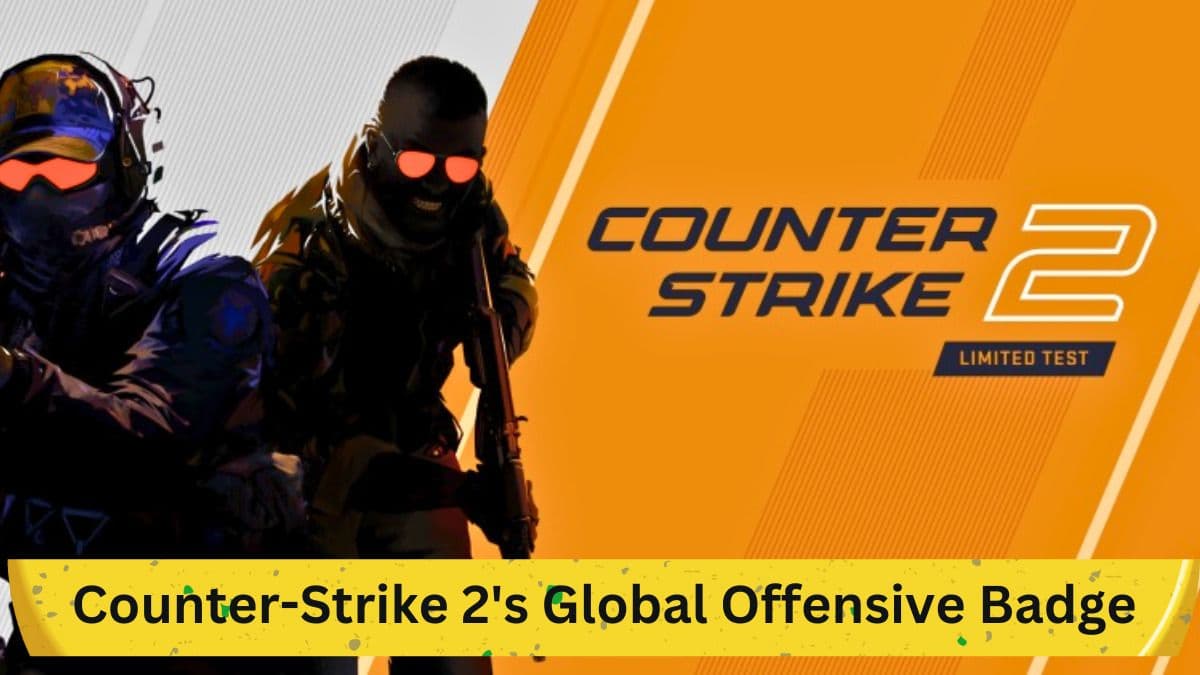
Valve has officially launched Counter-Strike 2 (CS2), following several months in its beta phase. This new installment is available for free on Steam, much like its predecessor, Counter-Strike: Global Offensive (CS:GO). The game's launch has drawn a surge of players to the servers, eager to explore its mechanics, meta, and rank-based gameplay. One of the intriguing aspects introduced at launch is the Global Offensive Badge. This article provides a comprehensive guide on how to obtain this badge, its features, and what it signifies for veteran players.
What is the Global Offensive Badge?

Image: Steam
The Global Offensive Badge and an accompanying music kit were introduced as tokens of appreciation for veteran players of the franchise. Unlike typical FPS titles, Counter-Strike has a longstanding tradition of badges and service medals, making it unique. This badge is specifically intended for players who owned the previous Counter-Strike title and stands as a commemorative token for their loyalty.
How to Obtain the Badge in Counter-Strike 2
Obtaining the Global Offensive Badge is a straightforward process. Here are the steps:
- First Time Opening: If you are launching the game for the first time, a pop-up menu will appear, showcasing the badge and the music kit.
- Inventory Navigation: If, for any reason, you miss the pop-up, you can still access the badge. Simply navigate through the game menu and click on the 'Inventory' option.
- Badge Inspection: Within the Inventory, you will locate a golden Global Offensive Badge. Right-clicking on it will bring up several options.
- Profile Display: Among the options, you can select 'Inspect' to view the badge within the game, or you can choose to display it on your profile.
Features of the Badge

Image: Steam
The badge bears a golden hue and features a red-colored 'T' emblem on one side and a blue-colored 'CT' logo on the other. According to its description, the badge serves to "commemorate loyal membership of the CS:GO community" before the launch of CS2. It also carries a quote saying, "Legends never die," highlighting its nostalgic and honorary nature.
Significance and Future Prospects
This isn't the first time Counter-Strike developers have recognized players' dedication. They have previously issued five and ten-year service medals. However, the Global Offensive Badge takes on added significance as CS2 represents a new chapter in the franchise with different game mechanics. Given this context, the badge is more than just a trinket; it's a tribute to the community's loyalty. It is hoped that similar recognitions will continue to be a part of CS2, maintaining engagement within the community.
Conclusion
The Global Offensive Badge in Counter-Strike 2 serves as a significant token for veteran players of the franchise. With a straightforward process for acquisition and a design that honors community loyalty, the badge enriches the Counter-Strike experience. As the game evolves, the community can likely anticipate more such tokens that add to the game's unique appeal.