
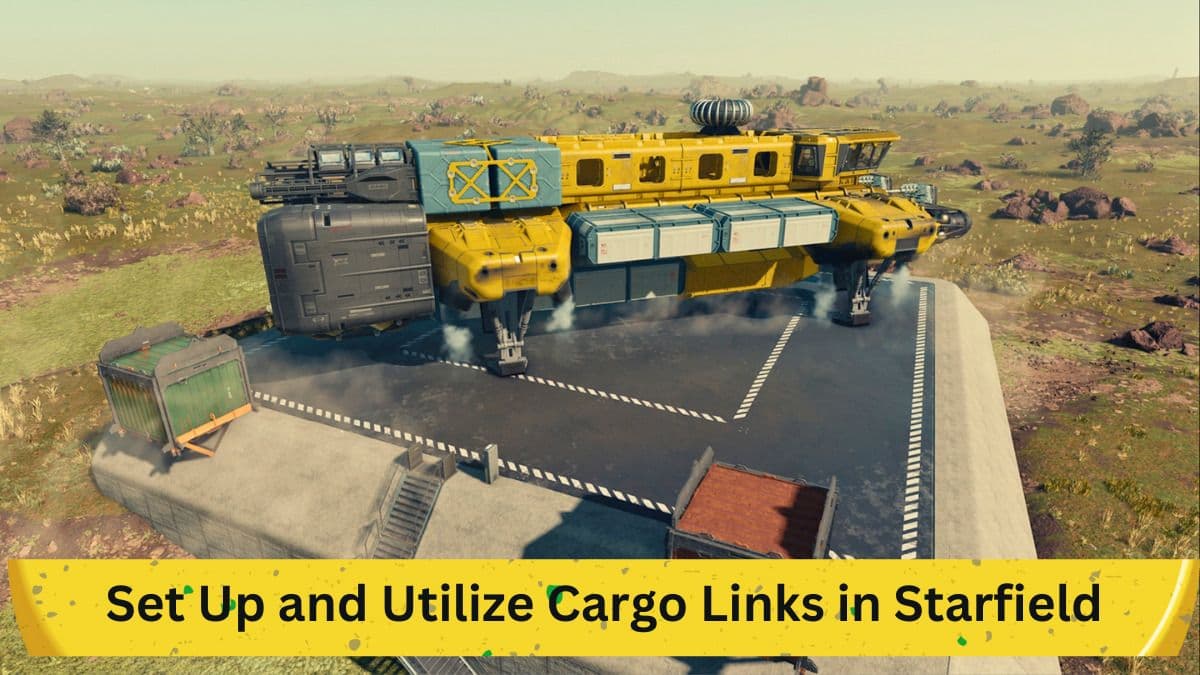
Managing resources across multiple planets is an essential aspect of gameplay in Starfield. In this context, Cargo Links have a critical role to play. Whether you are a beginner looking to understand the basics or a seasoned player aiming to optimize your gameplay, understanding how to set up and use Cargo Links can significantly elevate your gaming experience. This article will cover the mechanics, types, and step-by-step setup of Cargo Links in Starfield.
What Are Cargo Links?
The Concept Explained
In Starfield, you will often find yourself managing outposts on various planets. However, no single planet has all the resources you need. This is where Cargo Links come into play. These systems automatically transfer resources from one planet to another. In essence, they act as an interplanetary pipeline, facilitating the flow of resources such as fuel and building materials between your various outposts.
Importance in Resource Management
While it may seem simple to transfer resources, the importance of Cargo Links becomes apparent when you're expanding your outposts. Without Cargo Links, managing multiple outposts can become a cumbersome task, making these systems integral to efficient gameplay.
Types of Cargo Links
Standard Cargo Link
The game offers two types of Cargo Links. The first is the Standard Cargo Link. This type of link is less expensive to build and operates within the same star system. It's useful for transferring resources between two outposts located relatively close to each other.
Inter-System Cargo Link
The second type is the Inter-System Cargo Link, more advanced and requiring more resources for construction. As the name suggests, this type allows for the transfer of resources between outposts that are located in different star systems, making it essential for late-game strategies involving a broad network of outposts.
Setting Up Cargo Links
Step 1: Preparation
Before setting up a Cargo Link, ensure that you have the necessary resources and that extractors and power systems are in place at your outposts.
Step 2: Construction
Once you've decided on which type of Cargo Link to construct, go ahead and build it using the game's build screen.
Step 3: Linking Resources
After construction, you'll need to link the resources you intend to send to another planet. This is also done via the build screen.
Step 4: Making the Connection
When a Cargo Link is established on the destination planet, you can then make the connection. This is performed by using the control panel on the source Cargo Link.
Step 5: Monitoring Transfers
Once the Cargo Link is operational, you'll notice two storage containers at the site. One container will contain outgoing resources, while the other will hold incoming resources.
Managing Multiple Cargo Links
As you expand your network of outposts, you'll find the need for multiple Cargo Links. Each new link adds a layer of complexity but also potential efficiency to your resource management strategy. Thus, understanding the mechanics of how to set up and manage multiple links is crucial for late-game success.
Additional Tips and Reminders
Deleting Outposts
If you ever find yourself running out of outpost slots, it's essential to know how to delete an outpost to make room for new ones.
Further Guidance
For more information on optimal outpost locations and strategies, you can check out our guide on the best outpost locations in Starfield.
Conclusion
Cargo Links are indispensable tools for managing resources in Starfield, facilitating smoother gameplay and strategic expansion. Understanding the types of Cargo Links and how to set them up is crucial for anyone looking to master the game. As you extend your reach across multiple star systems, these links become even more vital. With this guide, you should now be well-equipped to set up and manage Cargo Links effectively.


