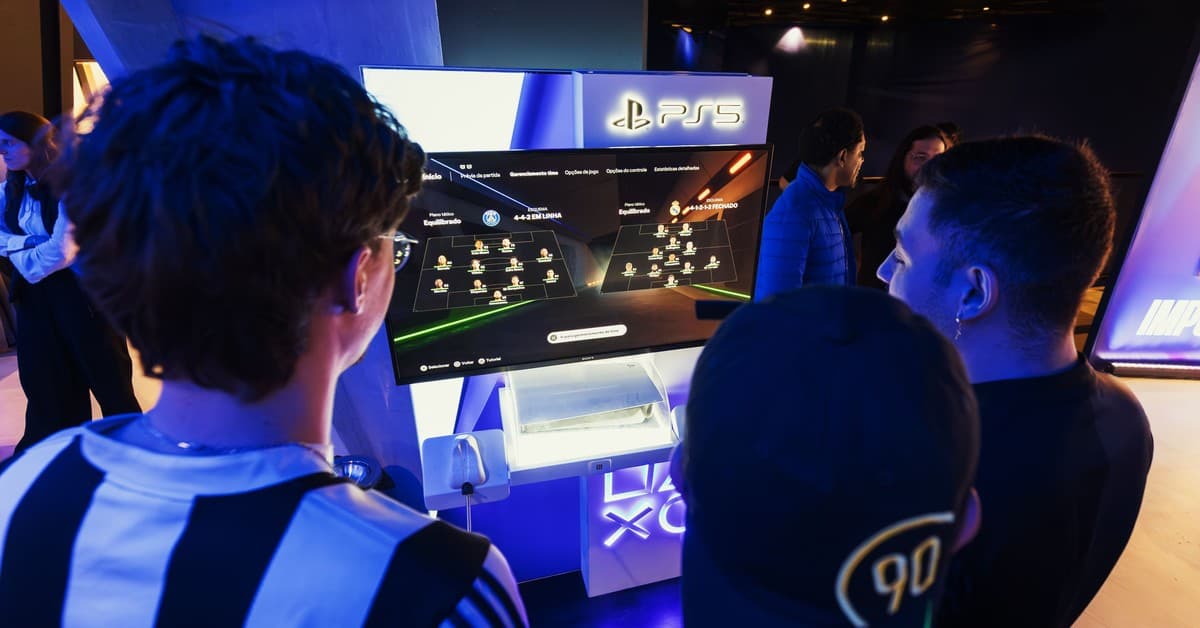
Sony's first PlayStation-branded gaming monitor arrives at a moment when the line between PC and console setups has never been blurrier. The PlayStation 27" Gaming Monitor targets the growing crowd of players who keep a PS5 alongside their gaming rig, offering QHD resolution, 240Hz refresh rates on PC, and a foldaway DualSense charging dock for $349.99. For PlayStation fans building a desk-centered station, it checks the right boxes — but strip away the white-and-black aesthetic and you're left with a perfectly average IPS panel that struggles to stand out in a crowded mid-range market.
Quick Facts — PlayStation 27" Gaming Monitor
| Developer | Sony |
|---|---|
| Platform(s) | PS5, PC |
| Score | 7 |
| Price | $349.99 |
The monitor's significance lies less in raw specs than in friction reduction. Auto HDR Tone Mapping means your PS5 configures itself correctly on first boot. The charging hook eliminates the nightly cable hunt. VRR works out of the box on both platforms. These are quality-of-life wins that matter daily, even if the panel's 1000:1 contrast ratio and 350-nit brightness won't turn heads on a spec sheet. The question is whether that convenience justifies the price when similarly priced competitors offer better HDR, brighter panels, or more ergonomic stands.
Design and Features
The monitor's identity is unmistakable from the moment you unbox it. The white rear shell and black stand mirror the PS5's two-tone design language down to the minimal PlayStation logo peeking above the stand's neck. From the front, though, it's anonymously thin-bezeled — a black rectangle that could belong to any brand until you flip down the charging hook centered behind the display. That hook is the monitor's signature feature: a simple flip-down dock that charges a DualSense or DualSense Edge controller while keeping it upright and visible. It's a small addition, but it solves a genuine desk-clutter problem for PS5 players who switch between controller and keyboard.
Around back, the I/O covers the essentials without excess: two HDMI 2.1 ports, one DisplayPort 1.4, two USB Type-A ports, and a single USB Type-C. The hook folds away just below this cluster, so if you run your monitor low on the desk, you'll need to raise it for the dock to clear the surface. The stand itself is the design's weak link — a flat metal base and vertical tube that tilt, swivel, and adjust height but refuse to pivot into portrait orientation. VESA 100x100 support means a monitor arm is an easy fix, but at $350 the included stand should offer more flexibility. A built-in speaker rounds out the feature list.
Panel Performance and Calibration
The Fast IPS panel delivers 2560x1440 resolution with a 1ms gray-to-gray response time, 240Hz on PC and 120Hz on console — the PS5's maximum output. Variable Refresh Rate support works across both AMD FreeSync and Nvidia G-Sync Compatible modes, and in testing it kept gameplay fluid on both a high-end PC and the PS5 without configuration headaches. Factory calibration is a pleasant surprise: color accuracy measured just under Delta E < 2 out of the box, making the monitor viable for image and video editing work alongside gaming. Colors are vibrant, viewing angles are wide, and the 1440p resolution hits a sweet spot on a 27-inch panel — sharp enough for detail, undemanding enough that 240Hz is actually attainable in modern titles without dropping settings to the floor.
The trade-offs appear in HDR and contrast. This is an IPS panel with no full-array local dimming, and it shows. The 1000:1 contrast ratio is average for the class, and blacks consistently read as dark gray rather than true black, with noticeable inconsistency across the panel. Peak brightness tops out at 350 nits — enough for SDR gaming in a well-lit room, but far short of what meaningful HDR demands. Auto HDR Tone Mapping on PS5 helps bridge the gap by optimizing the console's output for the panel's capabilities, producing a picture that's "better than SDR" even if it's not true HDR. On PC, where no automatic tone mapping exists, the limitations are more apparent in high-contrast scenes.
Software Experience and OSD
Navigating the on-screen display reveals where Sony pared back to hit the price point. The OSD is functional but generic — a standard menu grid covering brightness, contrast, saturation, sharpness, input selection, and volume, navigated via a rear-mounted joystick. A few thoughtful touches exist: an on-screen frame rate counter and automatic color profile switching based on game genre. But the interface lacks the polish of Sony's Inzone monitor lineup, and importantly, there's no companion software for mouse-and-keyboard adjustments. Every tweak requires the joystick, which feels like an oversight on a monitor positioned as a premium ecosystem accessory.
The PS5-specific features work as advertised. Auto HDR Tone Mapping activates automatically when the console detects the monitor, configuring HDR settings without user intervention. VRR and 120Hz mode enable with a quick settings-menu visit. The charging hook operates — dock the controller, it charges; lift it, you're playing. It's the kind of "it just works" integration that defines good ecosystem design. The missed opportunity is the hook's lack of accent lighting to match the PS5's light bar; a small detail, but one that would have reinforced the premium feel.
What Doesn't Work
The stand remains the most tangible disappointment. No portrait pivot is a genuine limitation for streamers, coders, or anyone who rotates monitors for productivity. The metal slab base consumes more desk depth than necessary, and the height adjustment range feels narrower than competitors at this price. VESA mounting solves it, but that's an added cost. The OSD's generic feel extends beyond aesthetics — it lacks the granular control enthusiasts expect, with no gamma presets, six-axis color control, or per-input settings memory. The absence of configuration software compounds this: you're stuck with the joystick for everything.
Panel limitations are harder to dismiss. The 1000:1 contrast ratio and inconsistent black levels mean dark scenes in games like Alan Wake 2 or Resident Evil 4 lose shadow detail. The 350-nit brightness ceiling caps HDR impact hard — highlights don't pop, and the Auto HDR Tone Mapping can only do so much with the physical panel it's given. At $349.99, monitors like the Gigabyte M27Q X or LG 27GR83Q offer similar refresh rates with better brightness, more features, or superior stands. The built-in speaker is essentially useless for gaming; even a $30 headset outperforms it dramatically.
Pros
- Seamless PS5 integration with Auto HDR Tone Mapping and plug-and-play VRR
- Excellent factory color accuracy (Delta E < 2) for gaming and creative work
- Clever DualSense charging hook solves a real desk-clutter problem
- QHD at 240Hz is attainable on mid-range PC hardware
- Clean PS5-matching aesthetic for unified desk setups
Cons
- Cheap stand with no portrait pivot and limited height range
- Average 1000:1 contrast with inconsistent black levels
- 350-nit brightness limits HDR impact significantly
- Generic OSD with no companion software for mouse/keyboard control
- Built-in speaker is thin and harsh — not usable for serious listening
Verdict
The PlayStation 27" Gaming Monitor earns its place on a PS5 player's desk through ecosystem cohesion rather than panel supremacy. The charging hook, Auto HDR Tone Mapping, and guaranteed 120Hz VRR compatibility remove daily friction that competing monitors ignore. Factory color accuracy is a genuine strength, and 1440p at 240Hz is the right resolution call for the target audience. But the stand is a regression, the OSD feels five years old, and the panel's contrast and brightness are merely adequate in a market where $350 increasingly buys mini-LED or high-refresh OLED. If you want your monitor to look like it belongs next to a PS5 and you value the charging dock, it's a smart buy. If you just want the best gaming panel for the money, look elsewhere.