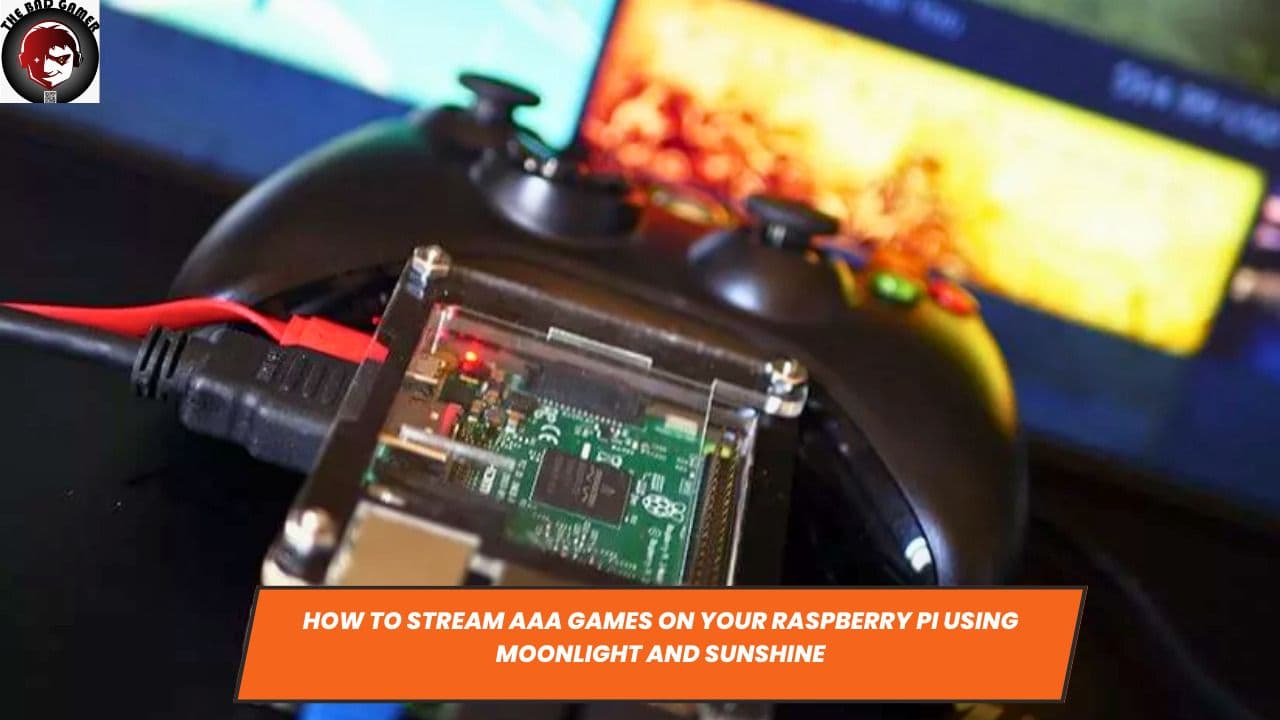
Streaming video games has significantly evolved over the years. Earlier, we explored streaming games from gaming PCs to Raspberry Pi units via Steam Link and Google's Stadia. This guide takes a different approach, focusing on how to use Sunshine, a self-hosted game streaming service, alongside Moonlight, an open-source Nvidia Gamestream client. By combining these tools, it's possible to stream AAA titles from your gaming PC to your Raspberry Pi 4.
What You Will Need for This Project
Raspberry Pi 4 4GB
For this project, a Raspberry Pi 4 with 4GB of RAM is recommended. However, a 2GB model should also suffice for basic streaming tasks. Make sure that the Raspberry Pi is set up with a compatible operating system, preferably Raspberry Pi OS, and has access to a stable power source.
Gaming PC
You will need a gaming PC capable of running AAA games smoothly. This machine will host the Sunshine streaming server and handle the game's actual processing. As a result, it should have a powerful processor, ample RAM, and a capable GPU from either Nvidia, AMD, or Intel.
Ethernet Connection
An Ethernet connection for both the gaming PC and Raspberry Pi is recommended to ensure stable and low-latency data transfer. Wi-Fi can be used but may result in less reliable performance.
Game Controller

To interact with your games, a USB or Bluetooth-enabled game controller compatible with Raspberry Pi is required.
How to Install Sunshine on a Windows PC
Sunshine acts as a self-hosted game streaming server that integrates seamlessly with Moonlight. The software provides low latency streaming and supports hardware encoding from Nvidia, AMD, and Intel GPUs. Here's how to install and configure Sunshine:
Download and Install
- Visit the official Sunshine GitHub page to download the latest release of the software.
- Extract the downloaded ZIP file to a location of your choice.
- Run the 'Sunshine.exe' file to initiate the installation process.
- Follow the on-screen instructions to complete the installation.
Configuration
- Open the Sunshine interface on your PC.
- Navigate to the 'Settings' tab.
- Adjust the resolution, framerate, and other graphical settings according to your preferences and hardware capabilities.
- Make sure the 'Hardware Encoding' option is enabled to use your PC’s GPU for better performance.
Test the Server
After configuring the settings, it's prudent to test the server to ensure that it is running as expected.
- Click the 'Test Server' button within the Sunshine interface.
- If the server is functioning properly, you'll receive a success message.
Now, Sunshine is ready to stream your games to a compatible device like a Raspberry Pi.
How to Use Moonlight on Raspberry Pi 4
Moonlight serves as the client that will receive the game stream from Sunshine on your gaming PC. Here are the steps to set it up on a Raspberry Pi 4:
Install Moonlight
- Open a terminal window on your Raspberry Pi.
- Run the following command to install Moonlight:
sudo apt-get install moonlight-embedded. - After the installation is complete, restart the Raspberry Pi for the changes to take effect.
Pairing with Sunshine
- Open Moonlight on your Raspberry Pi.
- Click 'Add Host' and enter the IP address of your gaming PC running Sunshine.
- A PIN will be displayed on the Raspberry Pi; enter this PIN on the Sunshine interface on your PC to establish the connection.
Stream Games
- After pairing, you’ll see a list of compatible games on the Moonlight interface.
- Select a game to start streaming it to your Raspberry Pi.
Congratulations, you have successfully set up Sunshine and Moonlight to stream AAA games from your gaming PC to a Raspberry Pi 4. This setup offers a console-like experience, leveraging the capabilities of both your PC and Raspberry Pi to enjoy your favorite titles. With the proper hardware and a stable Ethernet connection, this could very well be the game-streaming solution you've been looking for.