
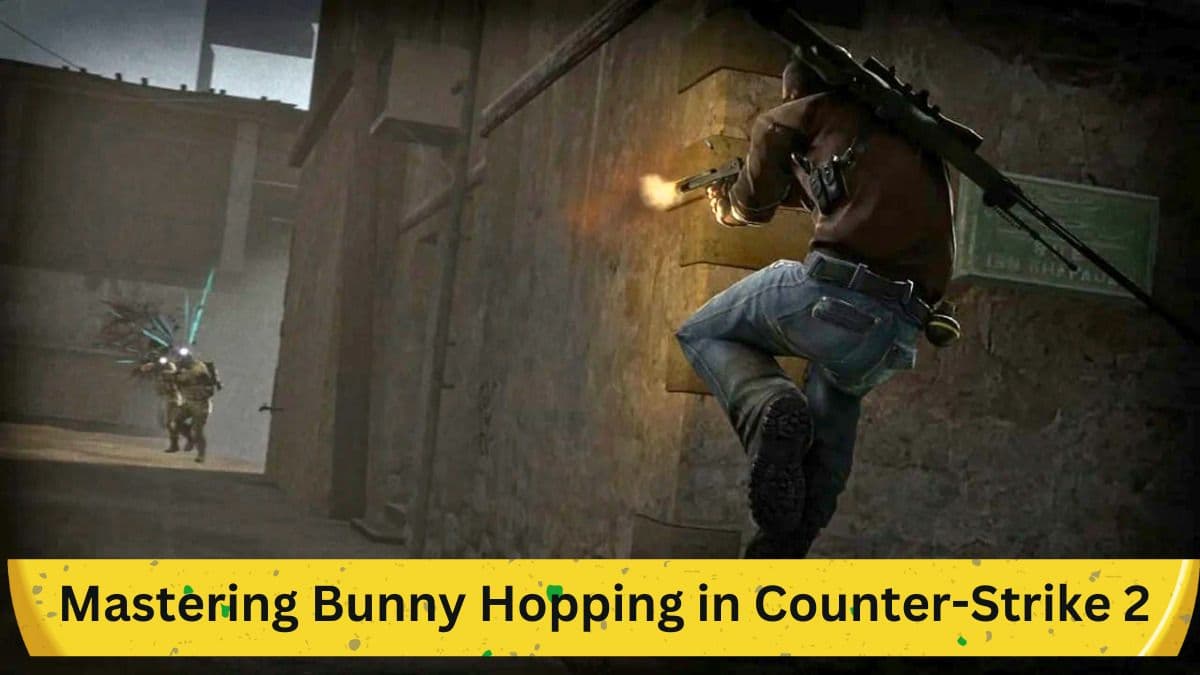
In the realm of first-person shooter (FPS) games, movement techniques can often set apart good players from great ones. One such technique, called bunny hopping, has been carried over into Counter-Strike 2 (CS2) from its predecessor, Counter-Strike: Global Offensive (CS:GO). The following guide provides an in-depth look at how to execute bunny hopping in CS2, enhancing your movement speed and gameplay.
The Evolution from CS:GO to CS2

Engine and Technical Improvements
Counter-Strike 2 has made several significant advancements compared to CS:GO. Notably, the game operates on the Source Engine 2, presenting enhancements in server tick rates and introducing changes to familiar maps. Given these updates, many players have questions about the game mechanics that have been carried over or altered.
Gameplay Mechanics and Commands
Besides the improvements in game engine and servers, some gameplay mechanics have remained. One such mechanic is the left-hand ViewModel command, a feature important for customization and often used by players. However, one mechanic stands out as perhaps the most crucial for effective in-game movement: bunny hopping.
Is Bunny Hopping Possible in CS2?

Similarities with CS:GO
The answer is affirmative: bunny hopping can be performed in CS2, much like in CS:GO. This movement technique is pivotal for those who aim to improve their speed within the game. Bunny hopping allows you to exceed the standard movement velocity, providing a tactical advantage.
Step-by-Step Guide to Bunny Hopping in CS2
Setting Up Controls
Firstly, binding your jump to your mouse's scroll wheel is advisable. Doing so significantly eases the timing needed to execute bunny hops.
The Procedure
- Starting a Game: Load into a game session in CS2.
- Initiating Movement: Move your in-game character forward.
- The Jump and Strafe: While moving forward, initiate a jump and begin strafing side to side using your left and right strafe keys.
- Mouse Movement: Simultaneously, move your mouse left and right in sync with the respective strafe key you are pressing.
- The Landing and Repeat: Upon landing, time your next jump and repeat the steps.
Mastery and Game Advantage
Bunny hopping is not a technique that can be mastered overnight. However, consistent practice will refine your skills, enhancing your ability to quickly access advantageous lines of sight and outmaneuver opponents.
Limitations for Controller Users
It should be noted that performing bunny hops with a controller is more challenging due to the absence of a scroll wheel, making the technique less accessible for controller-oriented players.
Conclusion
Bunny hopping is a quintessential movement technique in Counter-Strike 2, offering players the ability to move faster and more efficiently. Although the technique has a learning curve, mastering it can substantially elevate your gameplay. Whether you are new to the Counter-Strike franchise or transitioning from CS:GO, understanding how to bunny hop is instrumental for maximizing your in-game potential.


