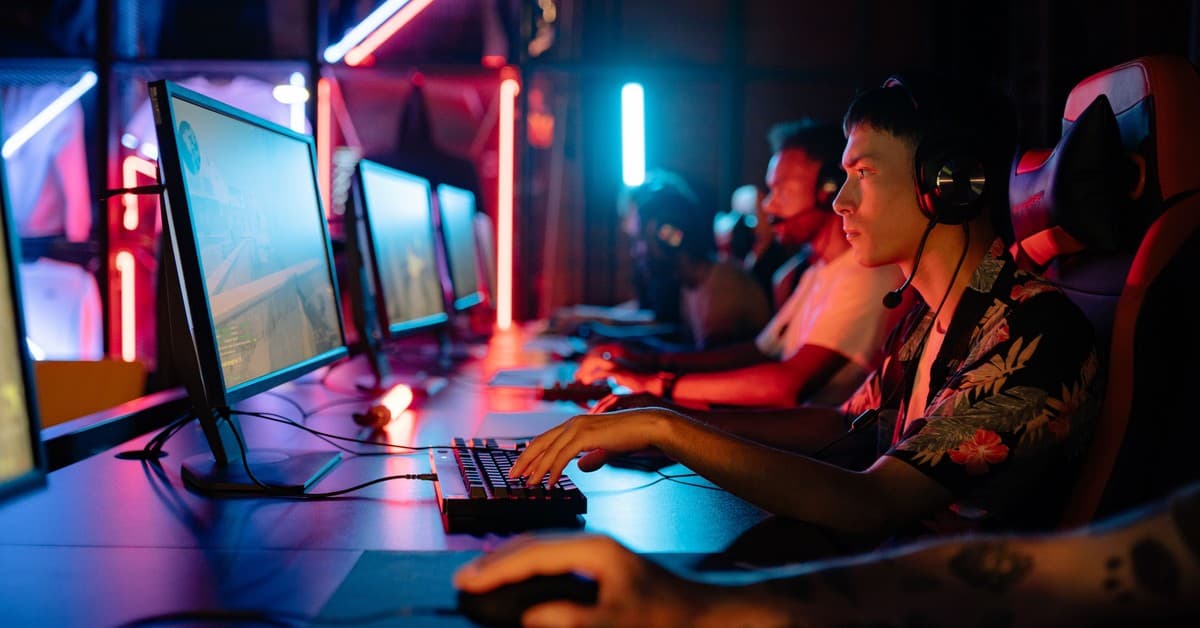
Acquiring higher frame rates in gaming can be a complex process, especially when navigating through a vast array of advice and tools available. This guide aims to provide detailed insights into optimizing your PC's performance for an enhanced gaming experience. Here, we present various methods meticulously designed to boost your gaming performance, focusing on essential strategies such as managing background programs and overclocking your CPU and GPU.
1. Managing Programs Running in the Background
1.1 Identifying Resource-Intensive Applications
When aiming for higher frame rates, it is vital to alleviate the burden on your CPU and GPU by managing background applications. Resource-intensive activities such as streaming videos can significantly hamper your gaming experience. It is recommended to close or uninstall applications known as bloatware, which tend to consume valuable resources that could be redirected to enhance gaming performance.
1.2 Streamlining Startup Applications
Furthermore, to prevent any unnecessary strain on your system resources, consider revisiting the list of startup applications and disabling those which are not critical to your gaming sessions. By doing this, you ensure that your system is not bogged down by unnecessary tasks, ultimately facilitating a smoother gaming experience.
2. Activating RAM Profiles: XMP, AMP, or EXPO
2.1 Enabling RAM Profiles
Optimizing RAM performance is a crucial yet often overlooked step in the gaming setup process. By enabling profiles such as XMP, AMP, or EXPO in your BIOS settings, you enhance the RAM's clock speed and efficiency, potentially resulting in better game performance.
2.2 Step-by-Step Guide to Enabling RAM Profiles
To enable these profiles, access your PC's BIOS settings through Windows and follow the listed steps to activate the necessary profile. Remember, choosing compatible RAM kits is essential to avoid system instability issues.
3. GPU Overclocking
3.1 Basics of GPU Overclocking
Overclocking the GPU remains one of the most effective strategies to achieve additional performance gains. Generally, this process involves incrementally increasing the GPU's core clock speed while monitoring system stability through benchmarks such as 3DMark Time Spy.
3.2 Finding the Right Balance
However, it's critical to find a balance to avoid system crashes or graphical glitches. It's advisable to adjust the voltage offset judiciously to prevent overheating and potential damage to the system components.
4. CPU Overclocking
4.1 Understanding CPU Overclocking
Similar to GPU overclocking, enhancing your CPU's performance involves tweaking the clock speed. However, recent advancements have made manual overclocking somewhat redundant, with automatic overclocking options offering better results in most cases.
4.2 Utilizing Automatic Overclocking Tools
For AMD Ryzen CPUs, utilizing Ryzen Master's Auto OC function presents a more straightforward alternative, while Intel users might find Intel XTU to be a viable option. It's essential to ensure adequate cooling systems are in place to prevent overheating during overclocking.
5. Adjusting Graphics Settings
5.1 Making Prudent Adjustments
As unappealing as it might seem, sometimes, the simplest route to enhancing performance is by tweaking the graphics settings. This could involve reducing the resolution or enabling upscalers like DLSS and FSR to maintain visual quality while boosting performance.
5.2 Addressing CPU Limitations
In cases where the CPU is the limiting factor, identifying and adjusting particular settings that alleviate the CPU's workload might provide a substantial improvement in frame rates.
6. Upgrading PC Components
6.1 Assessing the Need for Upgrades
At times, the most reliable route to achieving higher frame rates is through hardware upgrades. Investing in advanced GPUs and CPUs can provide a tangible impact on your gaming performance.
6.2 Making Informed Choices
When considering upgrades, it's advisable to select components that align with your gaming goals, whether it's achieving higher frame rates or enhancing visual fidelity.
Conclusion
In conclusion, optimizing your gaming setup to achieve higher frame rates often involves a multi-faceted approach, encompassing both software tweaks and potential hardware upgrades. While the prospect of upgrading might seem daunting, sometimes it presents the most reliable path to achieving a substantial performance improvement.