Where The Gold Coast Bazaar Actually Is
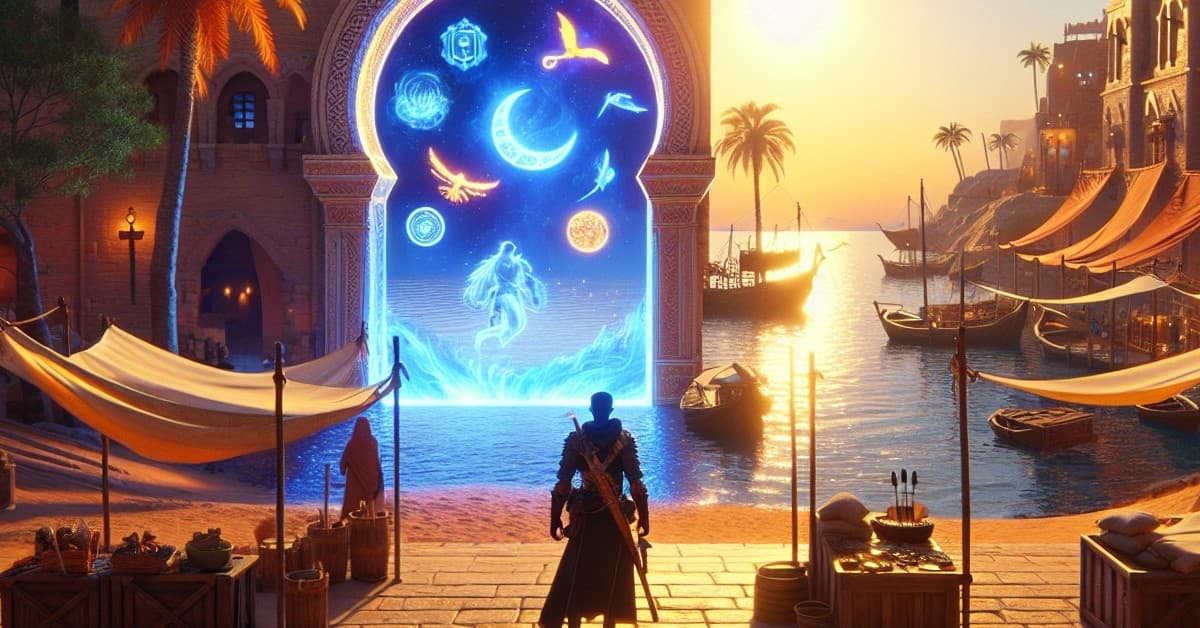
You won’t find it in Anvil or Kvatch. ESO’s new Gold Coast Bazaar lives inside your menus, not the map, and it launched alongside Jester’s Festival in March 2026. The update also retired Event Tickets and brought in a fresh currency: Trade Bars.
To open the Bazaar, head to the Crown Store. Look for the "Trade Bar" icon — it sits between the main Crown Store interface and the "Seals of Endeavor" shop. That tab is the entire storefront. There’s no NPC to visit, no tent to hunt down, just a clean, always-available menu loaded with cosmetics and collectibles.
- Open the Crown Store from the game menu.
- Select the "Trade Bar" icon/tab.
- Browse items that can be purchased with Trade Bars.
Because it’s a store tab, you can check stock from anywhere. That’s a big shift from event hubs that asked you to travel, queue, or juggle vendors. Here, the browsing is instant and the selection is broad.
How Trade Bars Work
Trade Bars replace the role Event Tickets used to play. You’ll earn them during active in-game events and through the "Tamriel Tome," which functions like ESO’s battle pass model. The resource is meant to be scarce, so plan your picks — you’re not clearing the whole catalog in a weekend.
Prices reflect that scarcity. The most expensive launch item, the Grand Gallery of Tamriel player house, costs 11,000 Trade Bars — roughly the same as "110 Event Tickets" under the old system. That kind of sticker shock makes the earning cadence matter. Expect to save across multiple events or Tome tracks for the top-end pieces.
In other words, you probably won’t snag a marquee house or ultra-rare mount in a single festival. Chasing one grail option can be smart; spreading Bars thin across impulse buys usually isn’t. And no, staring at that Breton armor won’t will it into your inventory — I’ve tried.
What You Can Buy Right Now
The Bazaar’s pitch is variety. Inside, you’ll find furnishings, mounts, costumes, and even full residences. Some listings return rare drops from past events, bringing back items many players missed the first time around. It’s a curated, evergreen catalog rather than a fleeting promo wall.
A few standouts at launch underline the range. The 10th Anniversary Hero costumes for each alliance are available through the Bazaar, giving collectors a second shot at celebration exclusives. Housing fans can browse everything from modest décor bundles to the aforementioned Grand Gallery of Tamriel, a prestige purchase by any measure.
That range comes with trade-offs. Cheaper décor and cosmetics let you make steady progress, while the showcase items demand patience. If you plan to live in Housing Editor or fashion, keep a small reserve of Bars for surprise rotations, then funnel the rest toward one long-term goal.
Bazaar vs. The Impresario
The Gold Coast Bazaar is an always-on event shop. It aims to host desirable items year-round — including reissues of past rewards — so players aren’t locked out by timing alone. By contrast, the Impresario remains a limited-time event vendor tied directly to whatever celebration is active.
There’s also a practical difference. The Impresario is an NPC who sets up shop outside most major cities, and you still need to visit her tent to buy her wares. The Bazaar never moves; it’s a tab in the Crown Store you can open anywhere. If you’re chasing current-event fragments or theme-specific rewards, check the Impresario. If you’re hunting evergreen picks and rare returns, browse the Bazaar.
The two options complement each other. Farm the event for immediate, themed rewards at the Impresario; use Trade Bars and the Bazaar to fill long-term collection gaps and big-ticket dreams. If ZOS keeps feeding the Bazaar with sought-after reruns, it could become the first stop for fashion collectors and housing architects every festival cycle.
Looking ahead, the system will live or die by rotation cadence and Bar availability. Regular infusions through events and the Tamriel Tome would keep the economy healthy and the store interesting. For now, the path is clear: open the Crown Store, hit "Trade Bar," and start budgeting. Your next signature mount or dream house is a few smart saves away.