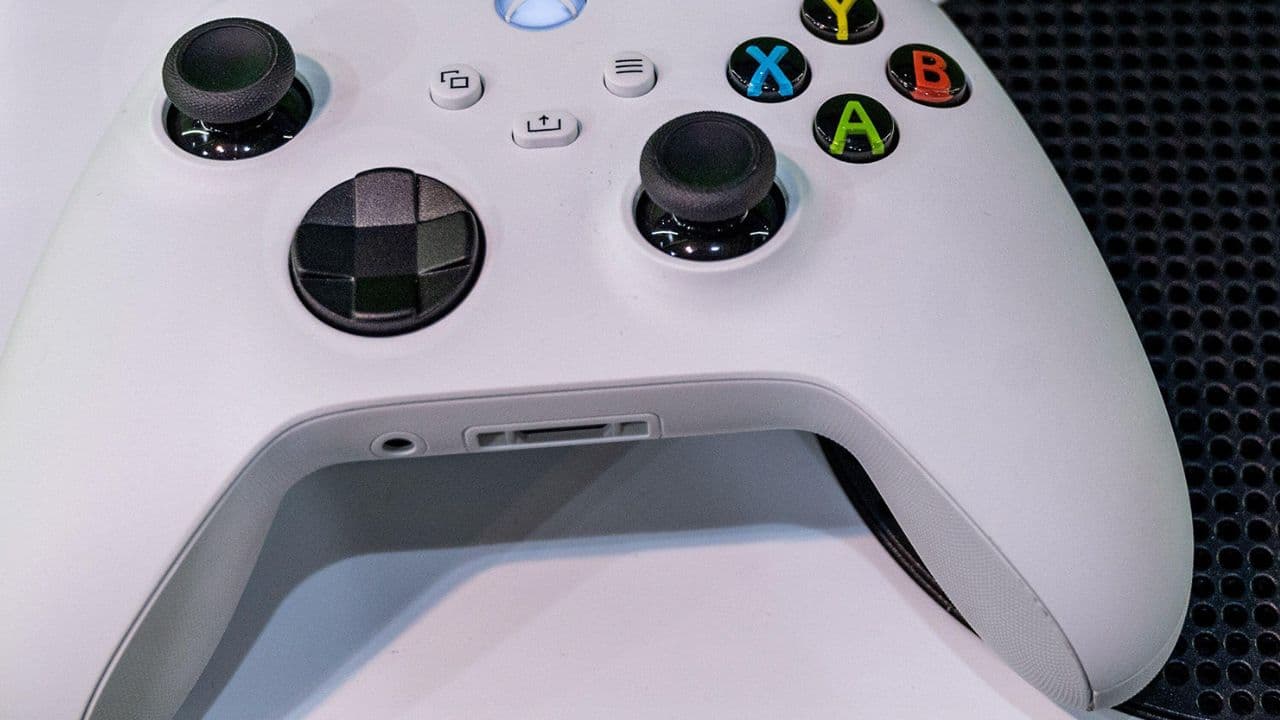
For ardent gamers, the annoyance of a dying controller in the middle of an intense gaming session is all too familiar. Xbox users, however, have stumbled upon several tactics that can marginally extend their controller's battery life. These might not promise a revolutionary boost, but if you frequently find your controller running out of juice, these strategies are worth trying.
1. Dimming the Lights Using Night Mode
One of the simplest methods to conserve your Xbox controller's battery is by reducing the brightness of its light. This is where the 'Night Mode' feature comes into play.
Night Mode allows you to dim the controller light, reducing energy consumption. Additionally, you can preset the Default Brightness separate from the Night Mode brightness. This flexibility offers you the convenience of toggling between two distinct brightness levels effortlessly.
To access and modify the Night Mode settings, navigate through: Profile & System > Settings > Accessibility > Night Mode.
For adjusting the light brightness directly on your controller, simply go to: Controller Brightness.

2. Disabling the Rumble Feature
The rumble or vibration feature, while immersive, demands extra power from the controller's battery. By turning off this feature, you can preserve some of that precious battery life. Furthermore, in competitive gaming scenarios, disabling the rumble might be advantageous as it eradicates the potential distraction of constant vibrations.
To disable the rumble feature on your Xbox controller: Settings > Input > Controller Vibration.
3. Opting for Manual Switch-offs
Unlike PlayStation's DualSense controllers, which remain on until you tweak the settings, Xbox controllers have an automatic shutdown feature. After remaining idle for 15 minutes, your Xbox controller powers down to conserve battery.
However, if you're certain that you won't be playing for a while, manually turning off your controller is the best approach. While the automatic 15-minute shutdown is a thoughtful feature, if you frequently let this timer run its course, it can diminish battery longevity over time. Thus, manually turning off your controller when not in use is a more effective battery-saving measure.
Conclusion
Every gamer seeks uninterrupted sessions, and a dying controller can certainly hamper that experience. While these tricks might not double your Xbox controller's battery life, they will undoubtedly provide that little extra playtime we all crave. Implement these strategies and enjoy a slightly extended, hassle-free gaming experience.