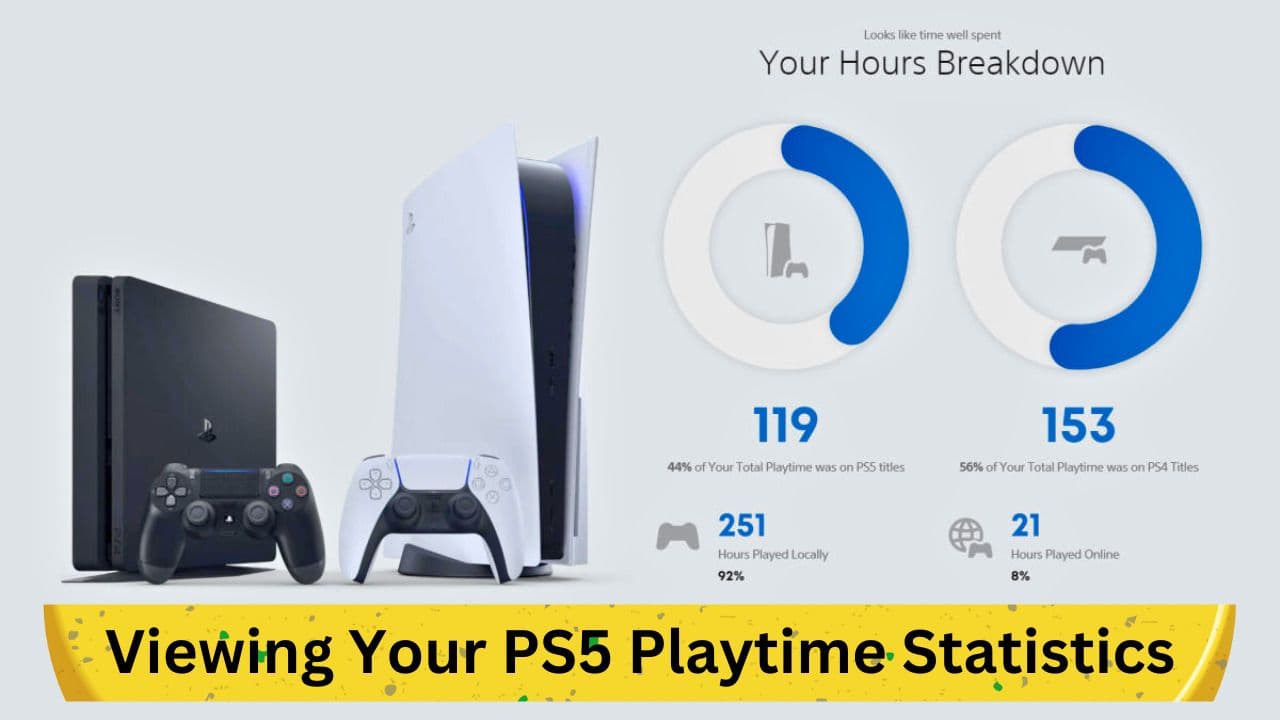
In the modern era of gaming, being informed about your gaming habits and patterns can be both interesting and beneficial. PlayStation 5 has seamlessly integrated a feature to track the hours spent on each game you indulge in, offering a deep dive into your gaming routine. This blog post elucidates the detailed process of accessing your PS5 playtime stats and what these statistics encapsulate.
Accessing Your Playtime Stats on PlayStation 5: A Step-by-Step Guide
PlayStation 5 offers a straightforward path to access the number of hours you have spent on individual games. To start with, here is a method to check the stats for games you have recently engaged with:
- Beginning at Home Screen: Navigate to your PS5 home screen. To get an insight into the hours spent on a recently played game, simply highlight the game icon on the main menu.
- Icon Check: You will notice a small icon located at the bottom-right corner of the screen, indicating the total hours spent on that game. Ensure your PS5 software is updated if you don't see this icon.
To gain a more expansive view of your gaming history, inclusive of all the PlayStation titles you've played, follow these steps:
- Profile Icon Selection: Head to the top-right corner of the screen and select your profile icon. Utilize the Triangle button to move the selection cursor swiftly to this part of the screen.
- Profile and Games Tab: After opening the profile menu, switch to the ‘Games’ tab. This section exhibits a list of all the games associated with your PlayStation account, illustrating not only the last time you played each game but also cumulative play hours. This data might not be minutely accurate as the playtime is rounded to the nearest hour.
- Inclusion of PS4 Titles: Interestingly, this feature also encapsulates playtime data for PS4 titles, even if you have not played them on your PS5 console.
Furthermore, it is important to note that the playtime data seems to encompass the total duration the game was operational, even during inactive phases like pauses. Thus, the data may not mirror the exact active playtime but offers a general idea of the time spent on each title.
Insights into Your Friends' Playtime and Privacy Settings
Beyond personal stats, PlayStation 5 also grants visibility into your friends' gaming habits. Here’s how you can navigate to that information:
- Friends Tab Access: Select the 'Friends' tab from the same screen where you accessed your game stats.
- Choosing a Friend: Pick a friend to view more about their gaming patterns, showcasing the time they have invested in their games through a similar menu.
For users who prioritize privacy and wish to keep their playtime data concealed from others, PlayStation 5 facilitates this through easy-to-navigate privacy settings. Simply scroll to the right on your profile page and opt for 'Privacy Settings'. Within this menu, navigate to the 'Your activity' section to alter the visibility of your gaming history.
Playtime Tracking in Individual PlayStation Games
Apart from the centralized playtime statistics, a substantial number of individual games offer their own tracking systems, offering more nuanced insights. These details are usually found in the pause menu or the save file selection menu. To illustrate, online games like Overwatch provide detailed stats including time spent playing each character across different modes, while single-player games like Final Fantasy VII Remake display the total playtime within the pause menu.
Conclusion: Utilizing PS5's Playtime Stats to Monitor Your Gaming Habits
In conclusion, the PlayStation 5 has enhanced the user experience by integrating a feature that permits users to monitor their gaming hours effectively. This not only brings to light the duration spent on individual titles but also enables users to compare their stats with friends, fostering a sense of community and healthy competition. Moreover, these statistics might serve as a reflective tool to manage your gaming time more efficiently. Thus, take time to explore this feature and make informed decisions regarding your gaming habits.