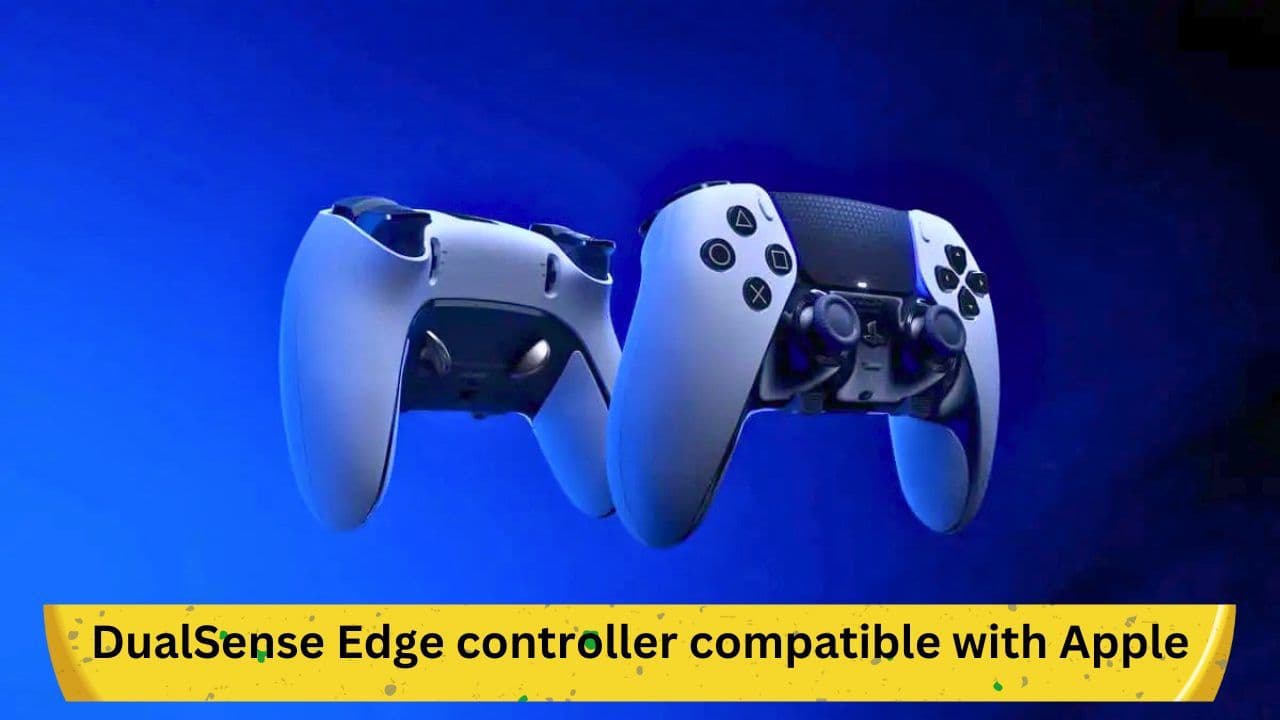
Gaming enthusiasts can now rejoice as the latest PS5 DualSense Edge controller is now compatible with Apple devices including iPhone, iPad, Mac, and Apple TV. This exciting development allows gamers to use their DualSense controller with a wider range of devices, giving them more flexibility and control over their gaming experience.
Improved gaming experience with the DualSense Edge controller
The DualSense controller has been praised for its advanced features, which provide an immersive gaming experience. Its haptic feedback, adaptive triggers, and built-in microphone allow gamers to feel every move, action, and sound within their games. Now, with compatibility with Apple devices, the controller can be used to play games on multiple platforms, further enhancing the gaming experience.
How to connect your DualSense controller with your Apple device
Connecting your DualSense controller with your Apple device is a straightforward process. Simply follow these steps:
- Make sure your Apple device is updated to the latest software version.
- Turn on your DualSense controller by pressing the PlayStation button and the Create button at the same time.
- Press and hold the Create button until the light on the controller starts flashing.
- On your Apple device, go to Settings > Bluetooth and turn on Bluetooth.
- Look for the DualSense controller under the list of available devices and select it.
- Once connected, the light on the controller will stop flashing, indicating that it is paired with your Apple device.
Compatibility with popular games
Many popular games are now compatible with the DualSense controller on Apple devices, including Fortnite, Call of Duty: Mobile, and Genshin Impact. These games have been optimised to take advantage of the advanced features of the controller, providing gamers with an enhanced and more immersive experience.
Benefits of using the DualSense controller with Apple devices
Using the DualSense controller with Apple devices provides several benefits, including:
- Enhanced gaming experience: The advanced features of the DualSense controller provide a more immersive gaming experience, allowing gamers to feel like they are part of the game.
- Flexibility: With compatibility with multiple devices, gamers can use the same controller to play games on their iPhone, iPad, Mac, or Apple TV, providing them with more flexibility and control over their gaming experience.
- Improved performance: The DualSense controller's advanced features can help improve performance in certain games, allowing gamers to achieve better results and play at a higher level.
The future of gaming with Apple devices and the DualSense controller
The compatibility of the DualSense controller with Apple devices marks an exciting development for gaming enthusiasts. As technology continues to evolve, we can expect to see more advanced features and enhancements to the gaming experience on multiple platforms.
Conclusion:
The compatibility of the PS5 DualSense Edge controller with Apple devices is an exciting development for gamers. With its advanced features and compatibility with popular games, the DualSense controller provides an immersive and enhanced gaming experience on multiple platforms. As technology continues to evolve, we can expect to see even more exciting developments in the world of gaming on Apple devices.