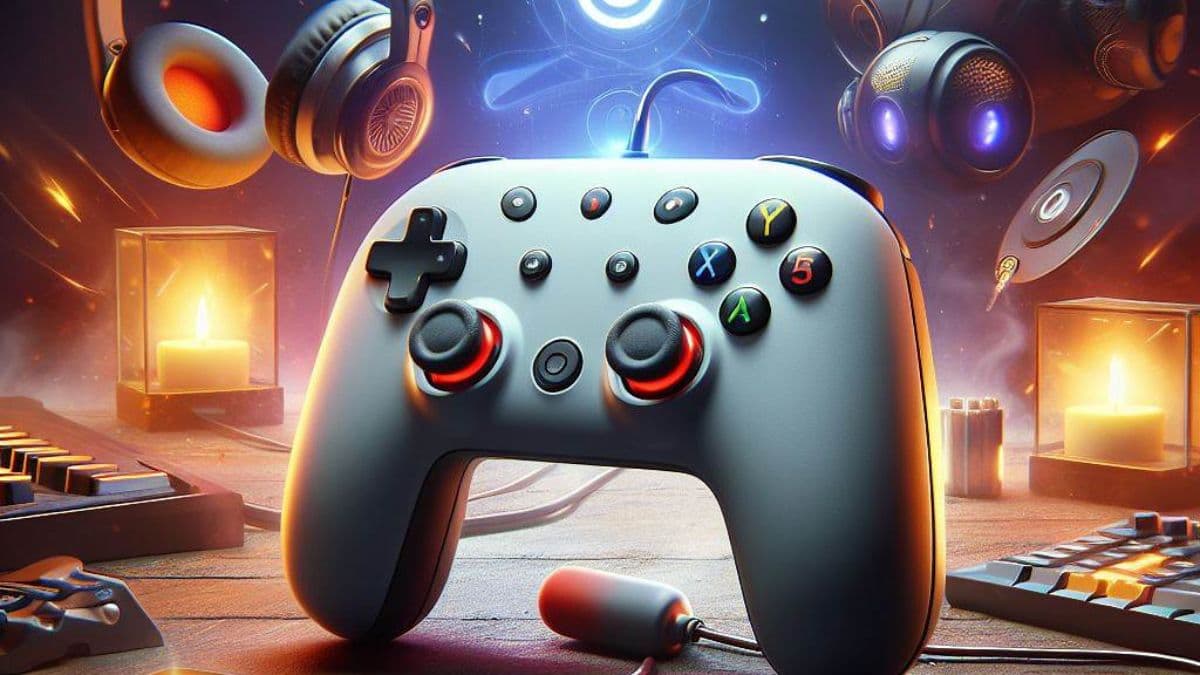
The Google Stadia controller, once a beacon of cloud gaming potential, now represents a versatile tool for various gaming platforms despite the shutdown of Stadia servers in January 2023. This guide explores five innovative ways to repurpose your Stadia controller, enhancing your gaming experience across different devices.
1. Wirelessly Connect to Your PC
Initially, the Stadia controller’s lack of Bluetooth connectivity was a significant drawback. However, a firmware update has rectified this, enabling wireless connection to PCs. While the controller might not seamlessly integrate with all games, tools like XOutput and HidHide can be used to emulate an Xbox 360 controller, ensuring compatibility. Despite occasional disconnects due to its low-energy Bluetooth connection, the controller offers a reliable gaming experience.
2. Play Games on Android Phones or Tablets
The Bluetooth feature also allows for wireless connection to Android devices, streamlining the gaming experience on mobile platforms. Unlike wired connections that drain device batteries, the wireless setup is more efficient and user-friendly. Unfortunately, this feature is not available for iOS or iPadOS devices.
3. Explore Cloud Gaming Platforms
The Stadia controller finds new life in compatibility with other cloud gaming services like Xbox Cloud Gaming and GeForce Now. These platforms allow users to stream high-fidelity games to various devices, including Chromebooks, PCs, phones, and TVs. The Stadia controller works perfectly in both Bluetooth and wired modes, offering a versatile option for cloud gaming enthusiasts.
4. A Budget-Friendly Option for Couch Multiplayer
With the rising cost of premium controllers, the Stadia controller emerges as an affordable alternative for multiplayer gaming sessions. Its durability and functionality rival more expensive counterparts, making it an excellent choice for gamers needing additional controllers without breaking the bank.
5. Preserve as a Collectible Item
As Stadia has ceased production of these controllers, they are poised to become rare collectibles. Their current affordability presents a unique opportunity for collectors to acquire a piece of gaming history. Much like the Steam Controller, which now commands high prices, the Stadia controller is likely to appreciate in value over time.
Is the Stadia Controller Worth It?
Despite its simplicity and lack of advanced features like a touchpad or adaptive triggers, the Stadia controller offers robust functionality. Its exceptional analog sticks and overall build quality make it a viable alternative to more expensive controllers. While its triggers might lack resistance, this is a minor drawback compared to its overall performance and value.
Final Thoughts
The Google Stadia controller stands as a testament to the adaptability and enduring value of gaming peripherals. Its transformation from a dedicated device for a now-defunct platform to a versatile controller compatible with various gaming formats showcases its resilience in the ever-evolving world of gaming.