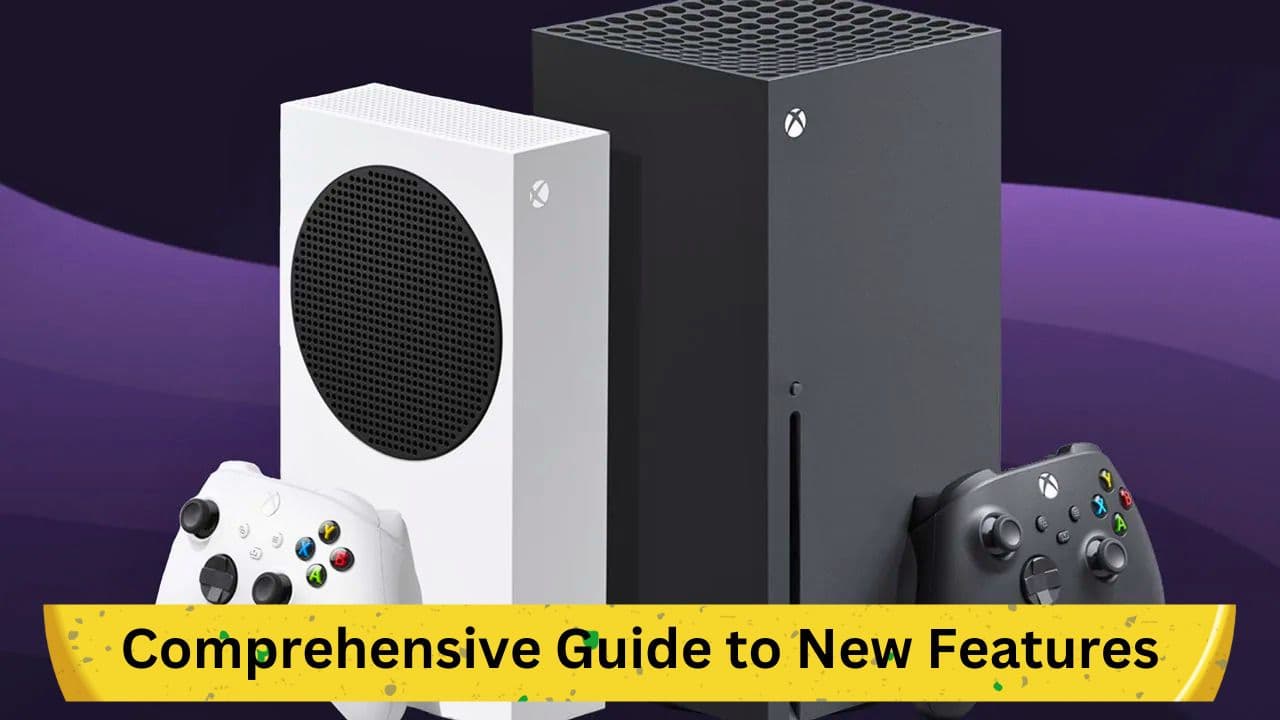
In the midst of the fervent anticipation surrounding the official launch of Starfield, Xbox has commenced the rollout of a substantial system update that introduces several noteworthy changes. As the gaming community gears up to explore the vast universe in Bethesda's new title, this update ensures a more streamlined and enriched gaming experience. This article delineates the various elements of this extensive update in detail.
Starfield Launch: A Game-Changer in the Industry
On this significant day, the gaming sphere witnesses the official launch of Starfield, a game that has created a substantial ripple in the industry with its innovative approach to open-world gaming. As per reviews, the game is heralded as a revolutionary product, transcending conventional boundaries and offering an unparalleled depth of detail and immersion. This new offering from Bethesda is reported to have garnered over two million players already, showcasing a universe that maintains a delicate balance between vast scale and intricate attention to detail.
New Features to Explore on Your Xbox
With Starfield's launch, Xbox users are also introduced to a set of massive system updates that aim to enhance the overall gaming experience. Here are the prominent changes that are a part of this update:
1. Discord Integration
A highlight of this update is the facility to stream directly from the Xbox console to Discord. Initially announced some time ago and having undergone a rigorous testing phase under the Xbox Insiders programme, this feature is now set to be accessible to all users, fostering an improved level of connectivity and interaction among the gaming community.
2. Variable Refresh Rate (VRR) Settings
Another critical update pertains to the Variable Refresh Rate (VRR) settings for the Series X/S consoles. Users will now find more straightforward methods to enable the VRR as per their preference. To do this, one needs to navigate through the General settings to TV & Display Options and subsequently to Video, where a dropdown menu will provide options to modify the VRR settings, thus offering a more tailored viewing experience.
3. Simplified Access to Rewards
In a bid to enhance user-friendliness, the update makes rewards more easily accessible. By simply pressing the Xbox button, users can open the guide where the rewards can be viewed post clicking on the Profile & System page, making the process more intuitive and hassle-free.
4. Enhanced Social Interaction Features
Social interactions are further simplified with the addition of a new feature that allows users to request to join a game while viewing a friend's profile online, thereby promoting ease of collaboration and joint gaming experiences.
5. Console Device Pairing
The update brings relief to users with the introduction of a simpler method to pair console devices. Now, one can pair a device without the necessity to physically press the console's pair button. Instead, the Xbox Accessories app can be used to connect a device through the newly added option, making the process substantially effortless.
Conclusion
This massive system update rolled out by Xbox promises to significantly enhance the gaming experience with a range of features that promote ease of use and enhanced connectivity. As gamers venture into the expansive universe of Starfield, these updates are bound to complement the gaming journey, making it more enjoyable and immersive. For a more detailed insight into all the changes, the Xbox blog offers comprehensive update notes to explore further.
Remember to check our video review of Starfield below to gain a deeper insight into what makes this game a monumental release in the gaming industry.