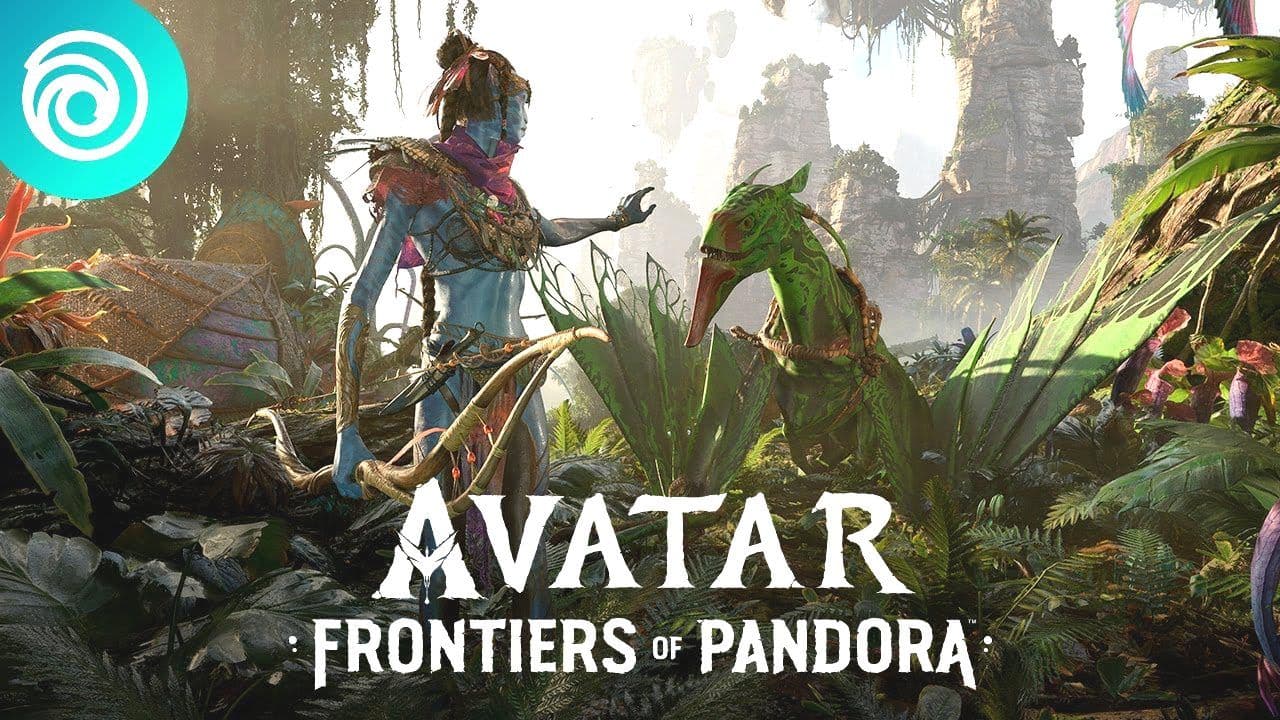
Ubisoft's eagerly awaited action-adventure game, Avatar Frontiers of Pandora, promises to immerse players in the captivating world of Pandora, inspired by the Avatar film franchise. To navigate this planet filled with lush landscapes, indigenous Na'vi, and unique challenges, it's crucial to have your PC control settings fine-tuned for an optimal gaming experience.
Optimal Control Settings for PC
Playing Avatar Frontiers of Pandora on PC offers a delightful experience. For those preferring a keyboard and mouse over a controller, setting up the right keybindings is key to enjoying the game's RPG elements, exploration, and combat mechanics.
On Foot PC Controls
When exploring Pandora on foot, the following keyboard and mouse settings are recommended for a seamless experience:
Keyboard:
- Open Game Menu: ESC
- Equip Weapons 1 to 4: 1, 2, 3, 4
- Equip the Multi Tool: 5
- Open Weapon Wheel: Q (hold)
- Movement: W, A, S, D
- Interact: E (hold)
- Reload Weapon: R
- Holster Weapon: T
- Quest Log: U
- Open Character Inventory: Tab/I
- Hunter’s Guide: O
- Photo Mode: P
- Interact Secondary: F (hold)
- Consume Food: F
- Craft Ammo: F (hold)
- Throw Grenade: G
- Food Info: G
- Call Mount: H
- Open Character: K
- Social: L
- Sprint: Left Shift (toggle)
- Auto Run: Z
- Master Hunter Senses: X (hold)
- Cycle Ammo: C
- Melee attack: V
- Ping: B
- Open World Map: M
- Crouch: Left Ctrl (toggle)
- Walk: Left Alt (hold)
- Jump: Space
- Dodge: Space + A/D
Mouse:
- Fire/Shoot: Left-click
- Zoom/Aim: Right-click (hold)
- Cycle Weapon: Scroll up/down
Flying PC Controls
For the flying segments in Avatar Frontiers of Pandora, the following settings are suggested:
Keyboard:
- Equip Weapons: 1, 2, 3, 4
- Weapon Wheel: Q (hold)
- Grab Prey/Take Down: E (hold)
- Reload: R
- Holster Weapon: T
- Quest Log: U
- Character Inventory: Tab/I
- Hunter’s Guide: O
- Photo Mode: P
- Consume Food: F
- Craft Ammo: F (hold)
- Throw Grenade: G
- Food Info: G
- Call Mount/In-air call: H
- Open Character: K
- Social: J
- Skill (Barrel Roll): Left Shift + A/D
- Master Hunter Senses: X (hold)
- Cycle Ammo: C
- Screech: V (hold)
- Ping: B
- Open World Map: M
- Land: Left Ctrl (near ground)
- Jump Off: Left Ctrl (hold in the air)
- Accelerate: Space
Mouse:
- Fire/Shoot: Left-click
- Free Look: Right-click (hold)
- Cycle Weapon: Scroll up/down
Conclusion and Final Thoughts
Customizing your control settings for Avatar Frontiers of Pandora on PC can significantly enhance your gameplay experience. These optimal keybindings are designed to provide fluidity and ease in navigation, combat, and exploration. Whether you're on foot or soaring through the skies of Pandora, these settings will help you engage with the game's world in a more immersive and effective way.