
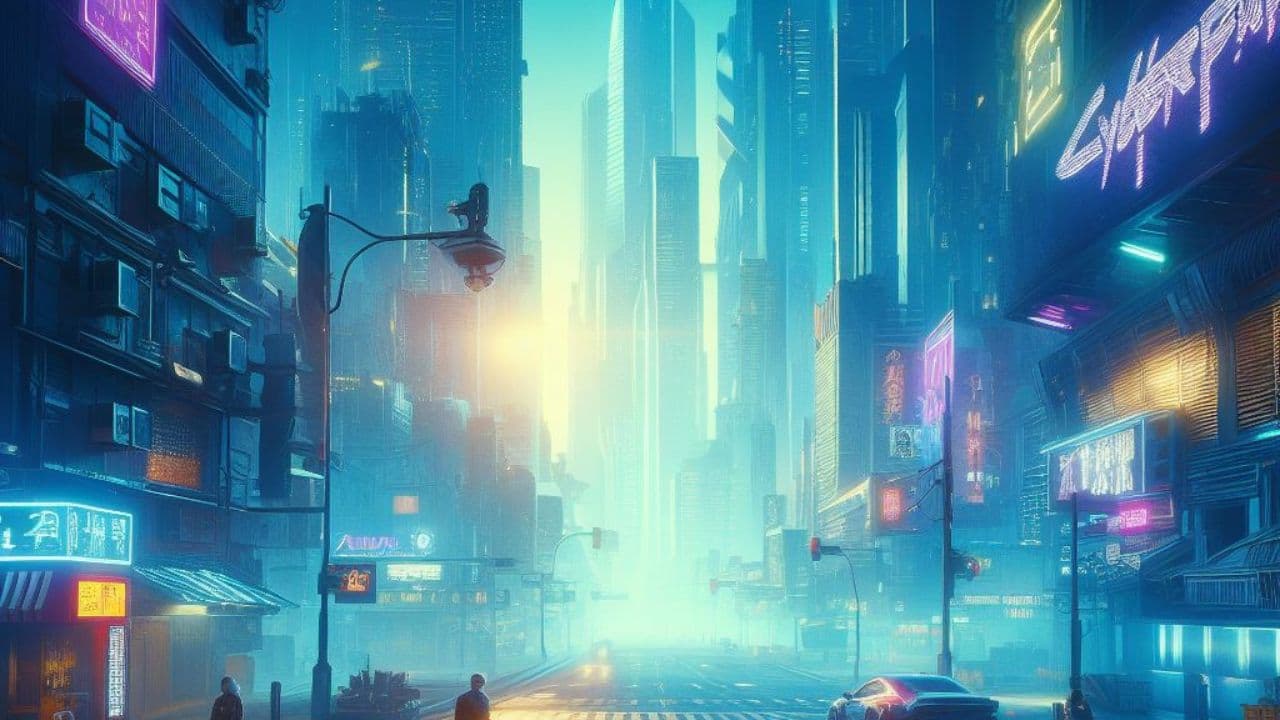
Cyberpunk 2077 has been at the forefront of implementing ray-tracing technology in gaming. Its latest expansion, Phantom Liberty, continues this trend but raises questions about performance and hardware requirements. This article will dive deep into the visual and performance differences that come with enabling ray-tracing in Cyberpunk 2077 Phantom Liberty.
The Basics of Ray-Tracing in Cyberpunk 2077
For those unfamiliar, ray-tracing is a rendering technique that provides more realistic lighting, shadows, and reflections in video games. Cyberpunk 2077 is among the titles that have heavily integrated this technology. The game offers several ray-tracing settings, including a new full form called path tracing, optimized for the latest RTX 40 series cards.
Performance Hit: The Other Side of the Coin
Ray-tracing is notoriously demanding on hardware. With the Phantom Liberty expansion and the 2.0 update, the game has become even more hardware-intensive. This makes it challenging for older graphics cards to deliver a smooth gaming experience with ray-tracing enabled.
Ray-Tracing Presets: What to Choose?
Cyberpunk 2077 offers various ray-tracing presets, with "Psycho" being the most demanding. Lower-end graphics cards are recommended to stick with settings not higher than "High," while flagship GPUs can venture into the "Ultra" realm. The "Psycho" preset should generally be avoided, as it considerably lowers framerates on all graphics cards.
Framerate Analysis: Is Ray-Tracing Worth It?
Data indicates significant performance hits when ray-tracing is turned on. For instance, the RTX 4080, one of the most powerful cards available, drops from 115 FPS to 52 FPS with ray-tracing enabled. The situation worsens when path tracing is turned on, plummeting to a barely playable 39 FPS. Most budget and mid-range cards fall short, even at the base ray-tracing settings.
Comparing Rasterization and Ray-Tracing
Rasterization techniques have improved so much that the visual differences between a ray-traced and a rasterized scene are becoming less noticeable. Therefore, if performance is a concern for you, sticking to traditional rasterization might be a more practical option.
Recommendations: To Ray-Trace or Not?
Given the steep performance penalties and the marginal visual gains, we recommend turning off ray-tracing for budget and mid-range GPUs. For those with high-end cards like the RTX 3090 or 4080, ray-tracing is feasible if you're not playing at 1080p or 1440p, as performance remains above 60 FPS.
Final Thoughts
The implementation of ray-tracing in Cyberpunk 2077 Phantom Liberty brings visual enhancements but at a notable performance cost. While the latest and most potent GPUs can handle these settings to some extent, most players will find that the game performs well without ray-tracing, and the visual difference is minimal.


